
Customers & growth
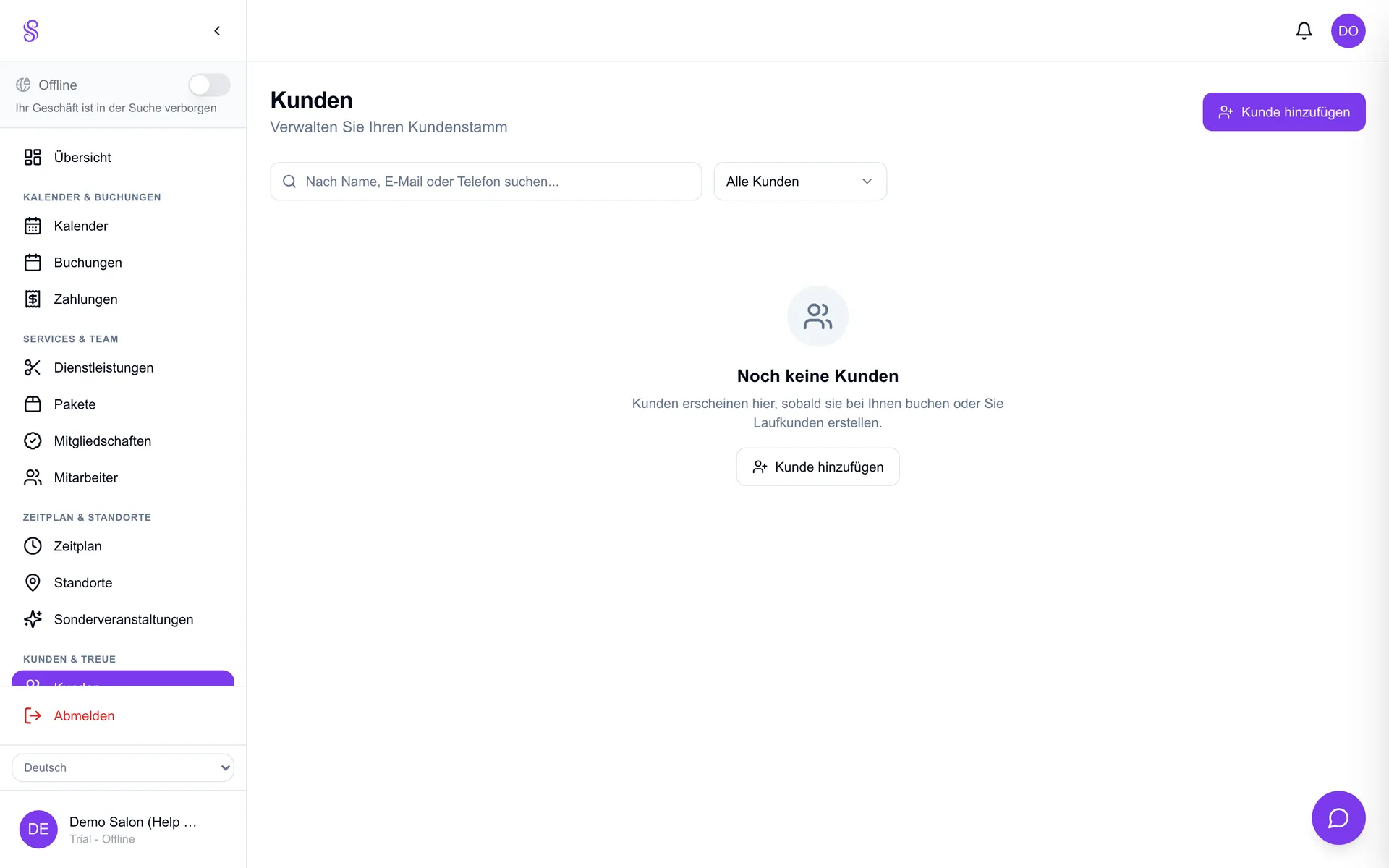
Customers list
Every client you serve is saved with their full booking and purchase history plus your private notes. It's a lightweight CRM that lets you recognise regulars, recall preferences and personalise the next visit — the foundation of repeat business.
▶Video tutorial
How to set it up
- 1
Open Customers
Go to Customers in the dashboard to see your client list.
- 2
Open a client
Click a customer to view their bookings, purchases and contact details.
- 3
Add private notes
Record preferences, allergies or formulas — visible only to your team.
- 4
Use it at the chair
Check notes before an appointment to personalise the service.
Good to know
- Notes are private to your salon, never shown to the customer.
- History helps you spot lapsing regulars to win back.
- Accurate contact details power reminders and marketing.